
Set it up once, in about two minutes
The tools work the moment you install. The part worth doing deliberately is the preparation — contacts, medical details and map areas — because that is the part you cannot do at the moment you need it.
How it works
Ready in about two minutes
The only part that takes any effort is the preparation — and it is the part that matters, because you cannot do it in the moment you need it.
- 01
Install
Get the toolkit on your Android phone. It is a 4.8 MB download and needs no account.
- Free on Google Play, Android 8.0 and newer
- No sign-up, no email, no profile
- Opens straight to the tools
- 02
Prepare
Spend two minutes now on the things you cannot do later: contacts, medical details, and any map area you might need.
- Add up to five emergency contacts
- Fill in blood type, allergies and medications
- Download map areas before you travel
- Enable lock-screen SOS if you want it
- 03
Be ready
The tools are one gesture away — from the lock screen, the notification shade, a widget or a long-press on the icon.
- Lock-screen SOS without unlocking
- Flashlight from Quick Settings
- Long-press the icon for SOS or compass
- Core tools keep working with no signal
The actual app
Built to be readable at arm’s length, in the dark
Large targets, high contrast, no decorative clutter. These are real screenshots from the shipping build.
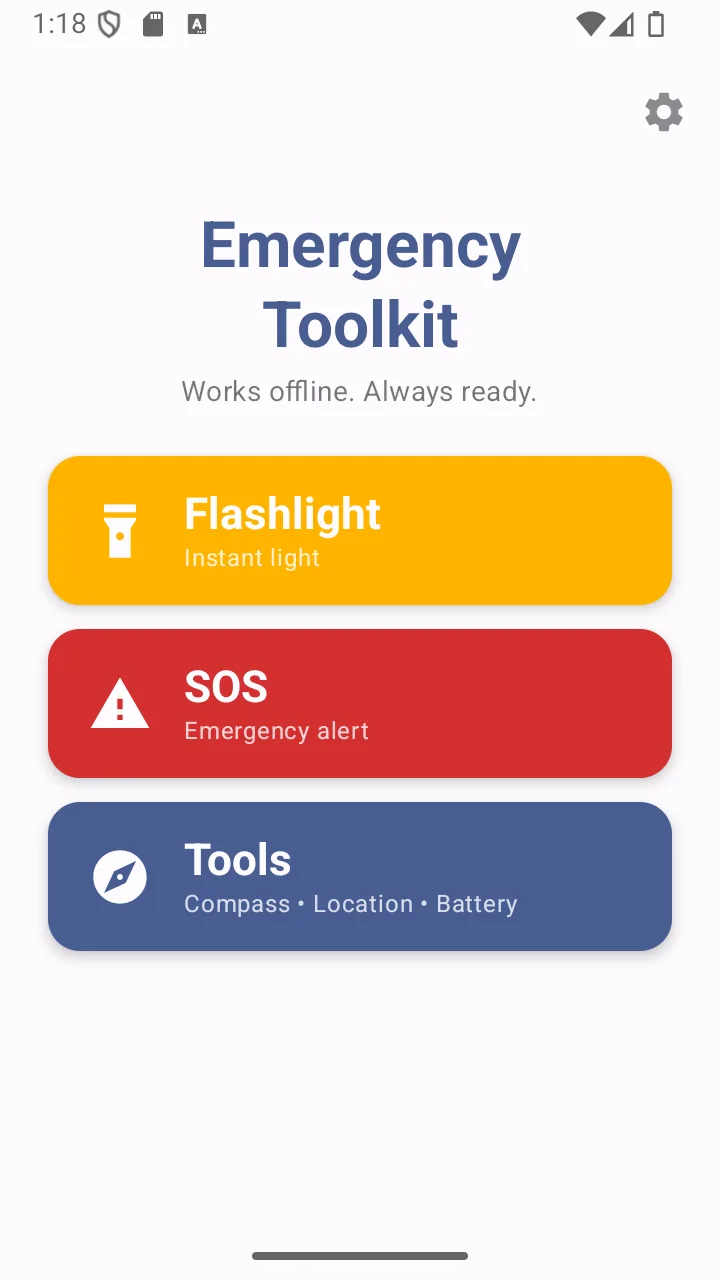
Home
Three targets, sized for use under stress.
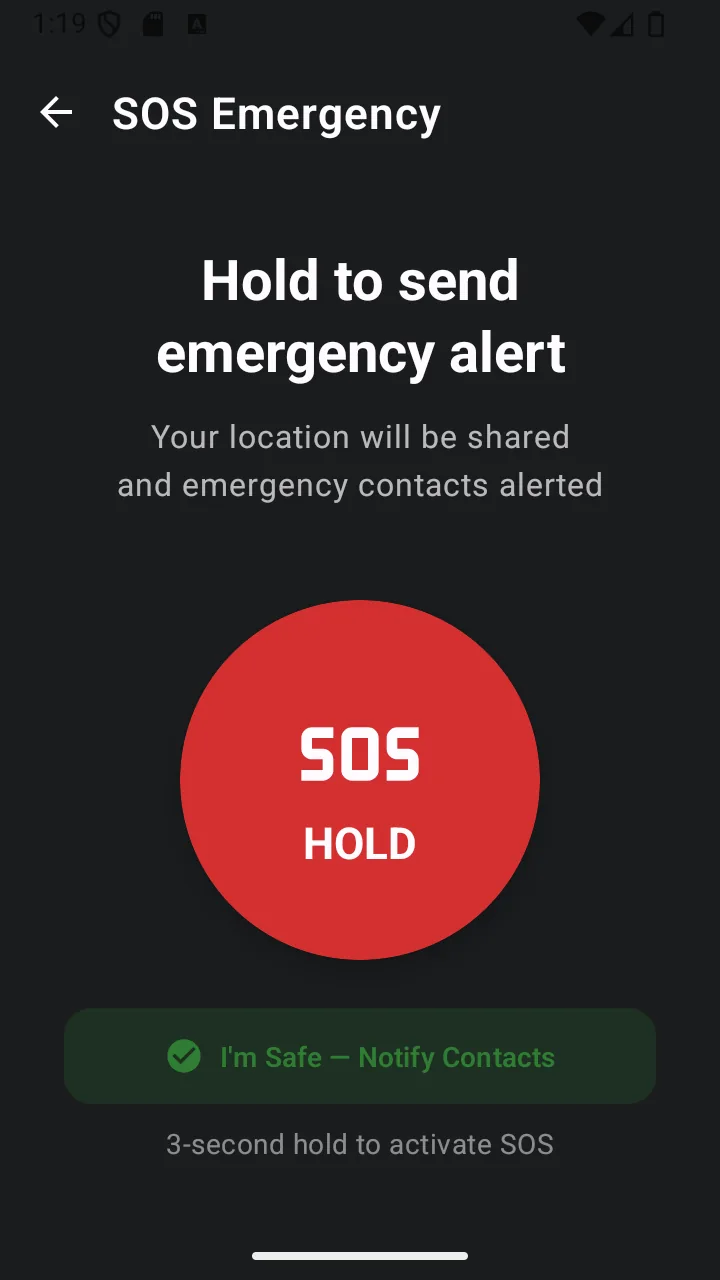
SOS
Long-press, then three seconds to cancel.
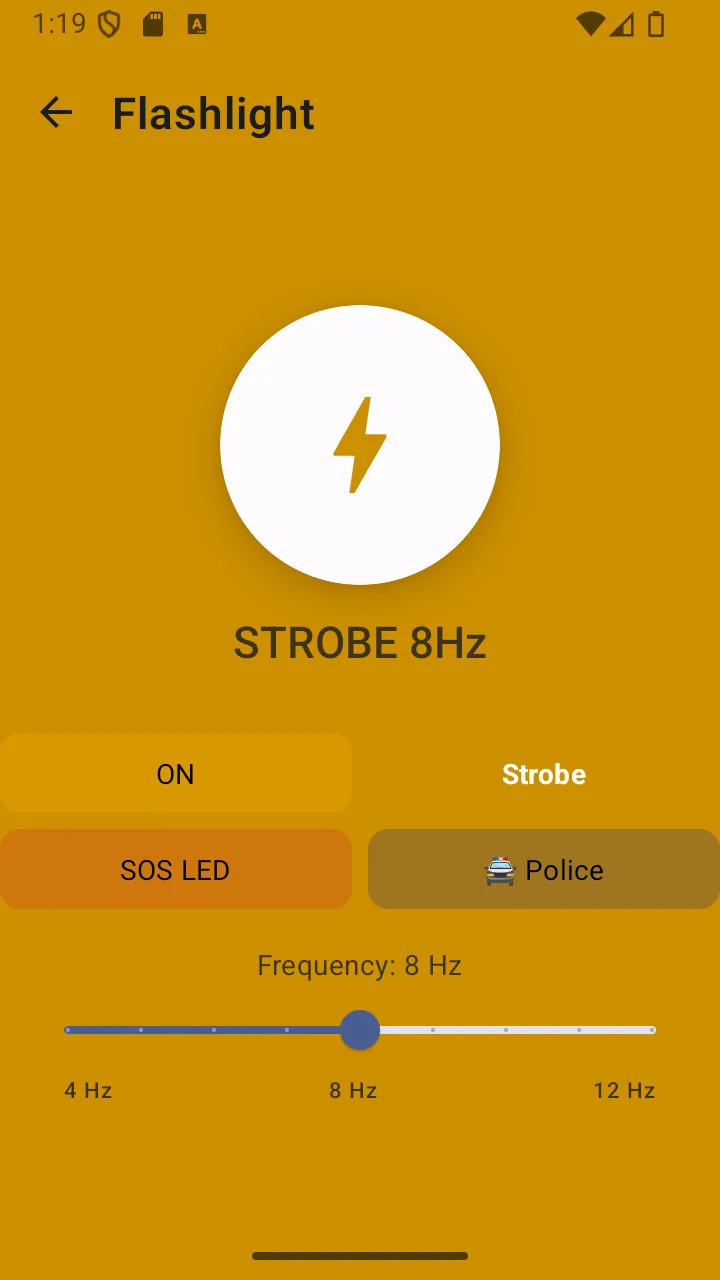
Flashlight
Torch, strobe, SOS Morse and police modes.
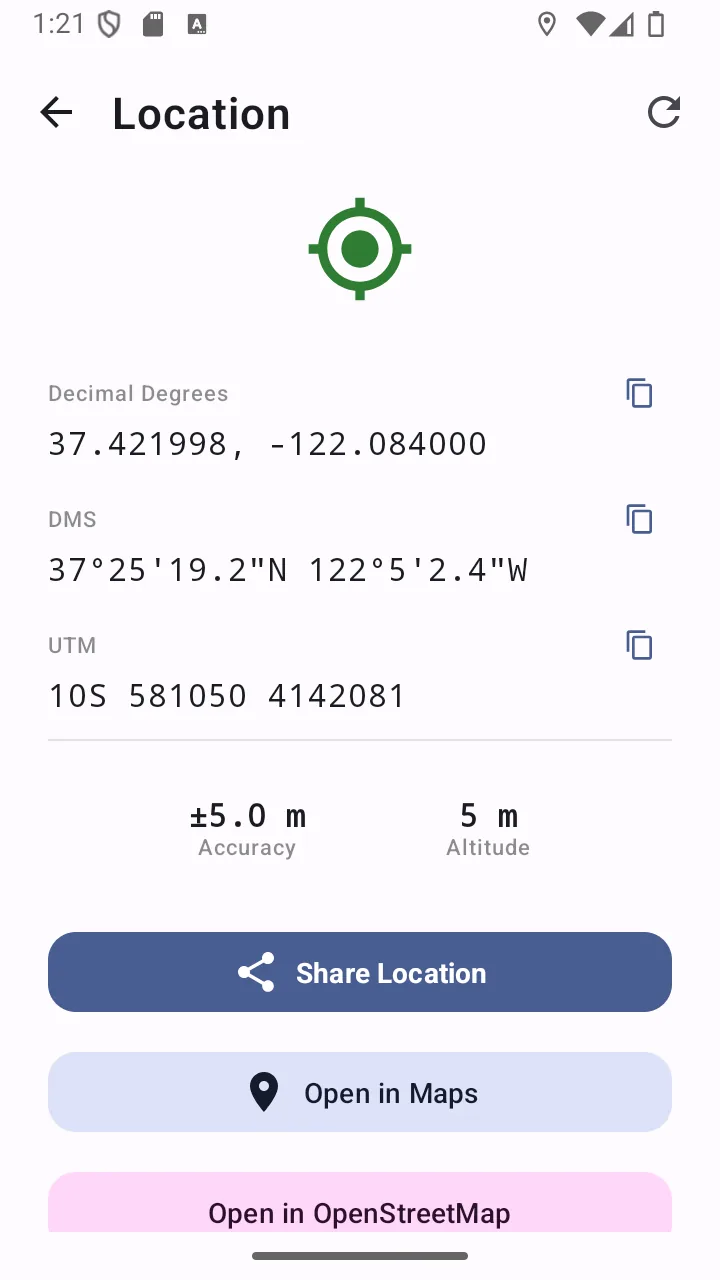
Location
Decimal, DMS and UTM, ready to share.
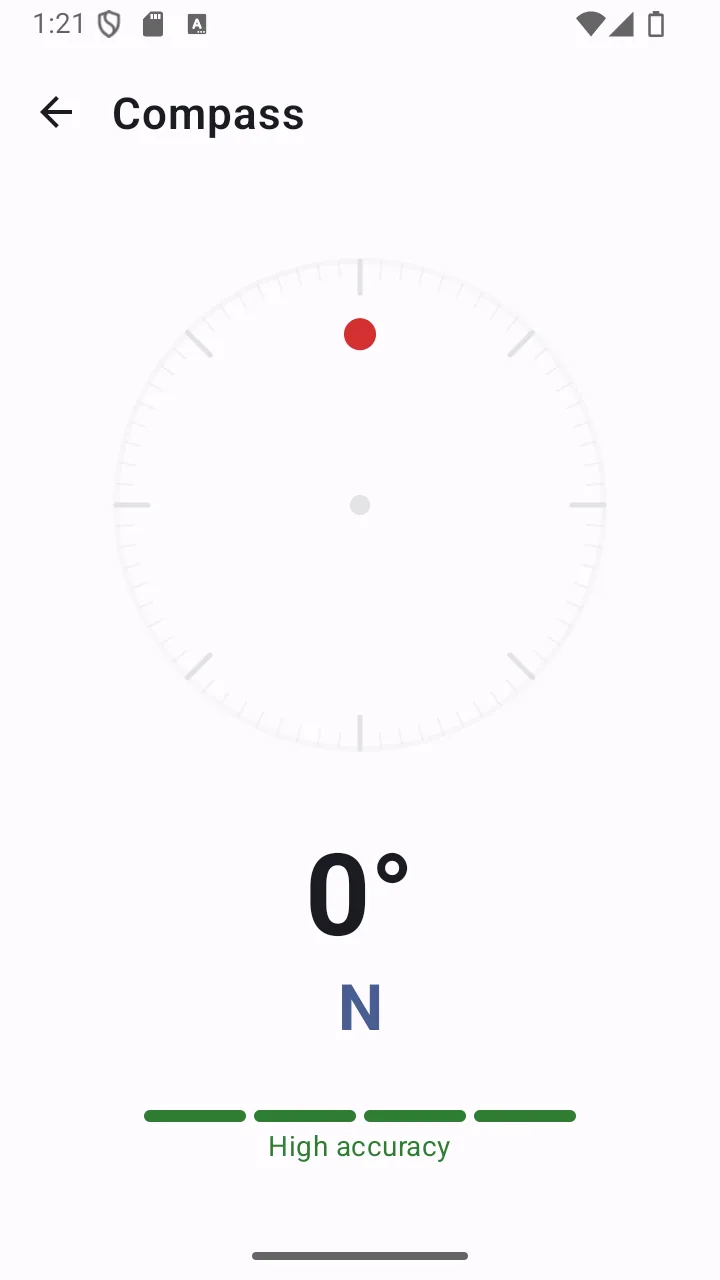
Compass
Internal sensors — no signal needed.
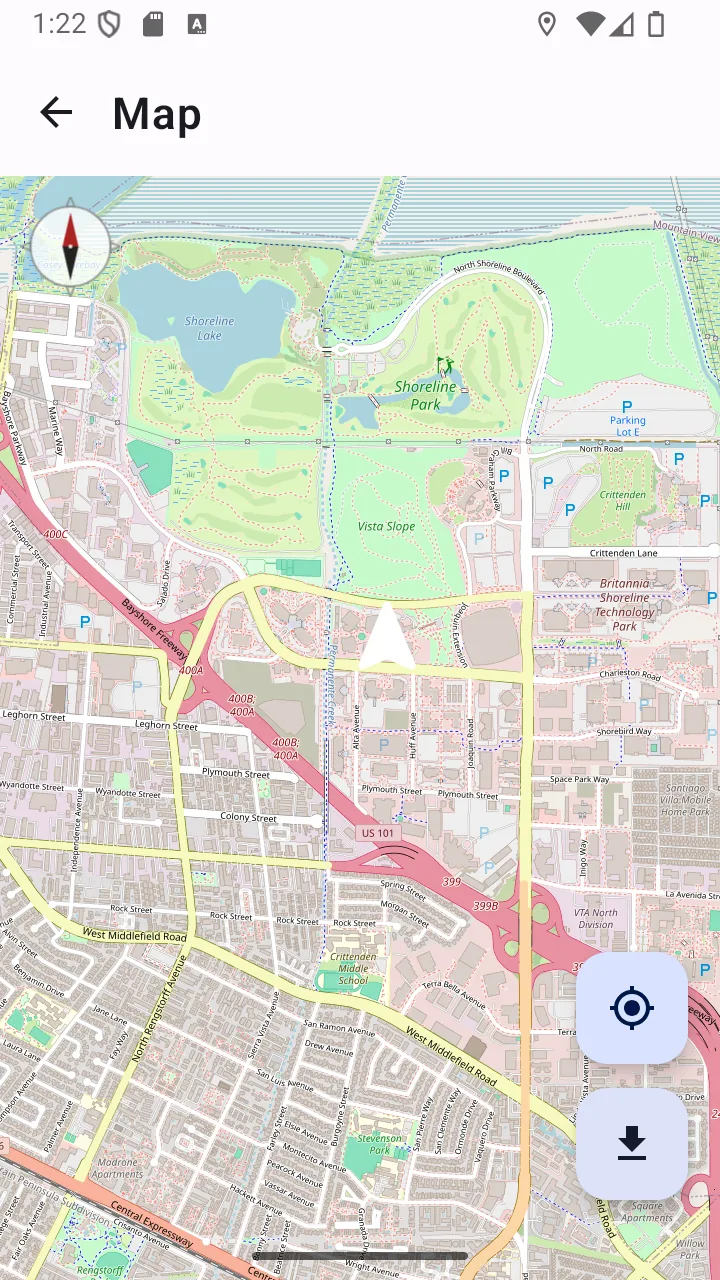
Offline map
Downloaded tiles with your live position.
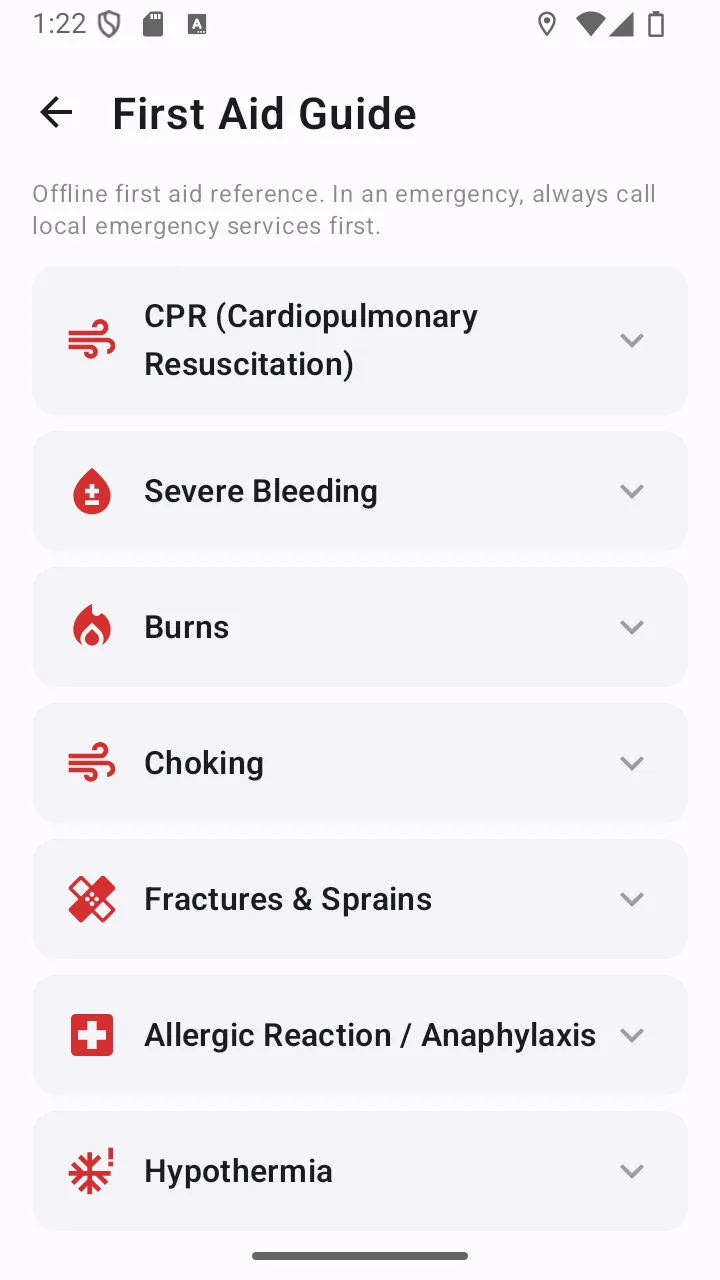
First aid
Eight procedures, stored in the app.
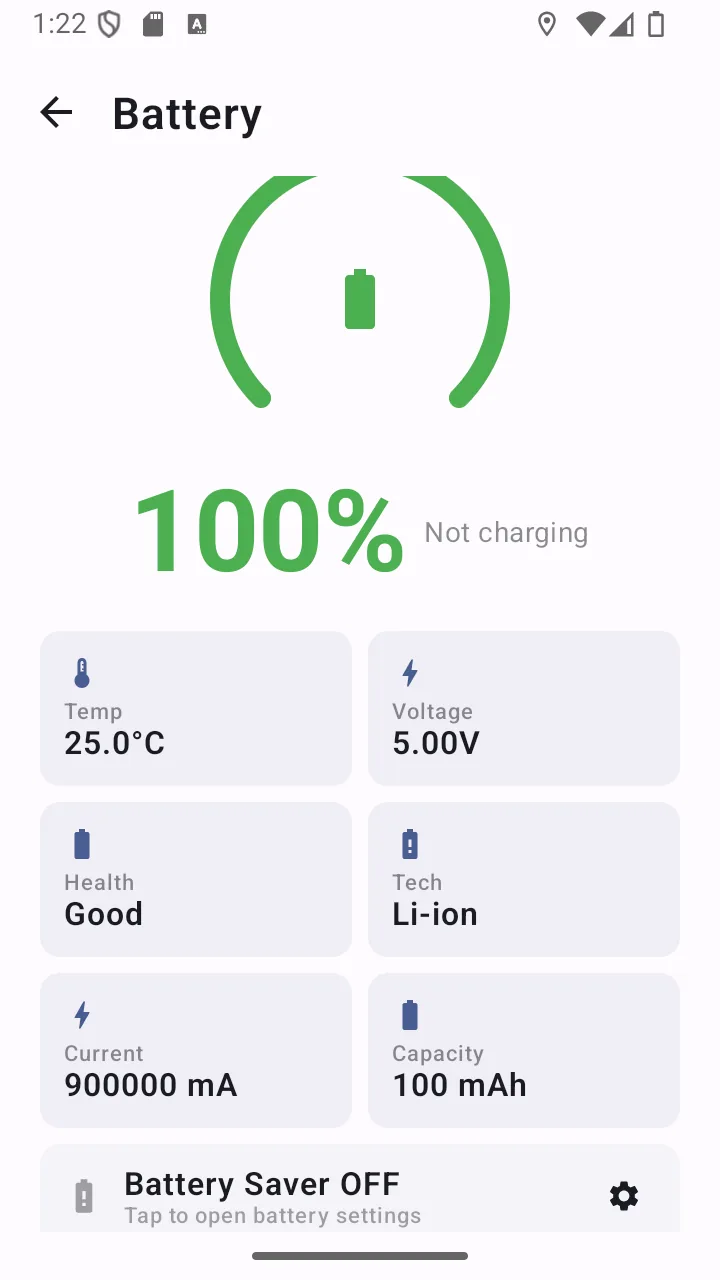
Battery
Drain, temperature and time remaining.
Answers
Frequently asked questions
Does Offline Emergency Toolkit work without an internet connection?
Most of it does. The flashlight, compass, battery monitor, first aid guide, emergency numbers directory and medical information card all work with no connection at all. GPS works too, because it receives satellite signals rather than using mobile data. Two things do need connectivity: downloading map areas for offline use, and the banner advertising. Sending an SOS text needs cell signal, though not a data connection.
What does the SOS feature actually do?
Long-pressing the SOS control starts a three-second countdown that you can cancel. When it completes, the app sends an SMS containing your GPS coordinates — plus your medical information if you have entered it — to the emergency contacts you saved. It also sounds an alternating siren through the alarm audio channel, vibrates, and begins recording your location roughly every 30 seconds so the track can be shared as a GPX file afterwards.
Can I send my location to my emergency contacts?
Yes. Your GPS coordinates are included automatically in the SOS message. You can also open the location screen at any time and copy or share your coordinates through any app on your phone, in decimal, degrees/minutes/seconds or UTM format.
Does the flashlight work without internet?
Yes. It controls your phone’s LED directly through Android’s torch API. It also does not require camera permission — the app does not declare camera access in its manifest at all, so it has no ability to see through your camera.
Does the app store my medical information online?
No. Medical information and emergency contacts are stored in the app’s local storage on your device. The app has no backend server for user data, no account and no sync. That information leaves your phone only inside an SOS message that you triggered, addressed to contacts you chose.
Does the app work on older Android phones?
It supports Android 8.0 and newer, which covers the large majority of Android devices in use. The release build is about 4.8 MB, so it is comfortable on devices with limited storage. Features that depend on hardware — a compass needs a magnetometer, SMS needs a SIM — are declared optional, so the app still installs and the rest of the toolkit works.
Does it include offline maps?
Yes, with one important condition: you must download the area you want while you still have a connection. The app caches up to 50 MB of OpenStreetMap tiles, and once an area is downloaded you can browse it and see your live GPS position on it with no connection. It is a map viewer rather than a navigation app — there is no turn-by-turn routing.
How do I set up my emergency contacts?
Open Settings and add up to five contacts through the standard Android contact picker. Because the picker hands the app only the contact you select, the app never requests permission to read your address book. Those contacts then receive both your SOS alerts and your one-tap “I’m Safe” check-in.
Does the app require a lot of permissions?
It requests permissions at the point you use a feature, never at install. Location is requested when you open the location or map screen or activate SOS. SMS is requested when you first send an alert. Notifications are requested only if you enable lock-screen SOS. It does not request camera or contacts access at all. Declining any permission disables that one feature and nothing else.
Is the app free?
Yes. Every feature described on this site is available at no cost, with no subscription and no account. The app displays banner advertising on non-emergency screens to support development — deliberately never on the SOS or flashlight screens, where an ad would be actively harmful.
Does Offline Emergency Toolkit send my data to a server?
No. The app has no backend server, no account and no sync. Emergency contacts, medical information and preferences are stored in the app’s local storage on your device. The only things that leave your phone are the SOS message you trigger, map tile requests while downloading an area, and the advertising served by Google’s AdMob SDK on non-emergency screens.
Get the Emergency Toolkit
Free on Google Play. No account, no subscription, and the core tools keep working when the signal does not.
- 4.8 MB download
- Android 8.0+
- No account required